The world of video content creation has undergone a seismic shift in recent years, propelled by advancements in artificial intelligence. AI video generators have become indispensable tools for creators, businesses, and marketers, streamlining workflows and unlocking creative possibilities once reserved for high-budget productions.
These platforms harness sophisticated algorithms to produce everything from hyper-realistic corporate training videos to vibrant social media clips, all with minimal effort. The ability to generate professional-grade videos from simple text prompts or existing footage is no longer a futuristic dream but a practical reality reshaping industries.
The rise of AI video tools reflects a broader trend toward automation and accessibility in digital content creation. With global video consumption projected to account for 82% of internet traffic by 2026, according to Cisco’s Annual Internet Report, the demand for efficient, high-quality video production has never been higher.
Whether it’s a small business crafting a promotional clip or a filmmaker experimenting with avant-garde visuals, AI video generators offer tailored solutions that balance ease of use with professional output. This democratization of video production empowers creators of all skill levels to compete in a visually driven world.
Choosing the right AI video generator, however, can feel overwhelming given the rapid evolution of technology and the diversity of tools available. Each platform brings unique strengths, from avatar-driven corporate videos to generative models that craft cinematic scenes from scratch.
Why AI Video Generators Matter in 2026
The appeal of AI video generators lies in their ability to save time, reduce costs, and enhance creativity. Traditional video production often requires specialized skills, expensive equipment, and lengthy editing processes.
AI tools eliminate these barriers by automating tasks like script-to-video conversion, audio cleanup, and visual enhancement. For businesses, this means faster turnaround for marketing campaigns; for creators, it opens doors to experimental storytelling without breaking the bank.
These tools are more than just time-savers; they’re game-changers. Platforms like Synthesia and HeyGen enable companies to produce multilingual training videos with lifelike avatars, while Runway and Google Veo empower filmmakers to craft visually stunning scenes from text prompts.
Social media creators benefit from tools like InVideo and VEED, which streamline the creation of viral, platform-ready clips. The versatility of AI video generators makes them essential for anyone looking to stand out in a crowded digital landscape.
Moreover, the ethical and legal considerations of AI video generation have gained prominence. Platforms like Adobe Firefly prioritize commercially safe outputs, ensuring creators can use their content without copyright concerns.
As AI technology continues to evolve, its integration with existing workflows, such as Adobe’s Creative Cloud or Zapier’s automation tools, further enhances its value, making it a cornerstone of modern content creation.
Top AI Video Generators for 2026
The following sections break down the leading AI video generators, categorized by their primary strengths: business and professional use, creative and cinematic projects, and social media content creation. Each tool is evaluated for its features, usability, and unique offerings, providing a clear picture of its ideal use case.
AI Tools for Business and Professional Use
Businesses rely on video for training, marketing, and internal communications, and AI tools in this category excel at delivering polished, professional content with minimal effort.
Synthesia: Lifelike Avatars for Corporate Needs

Synthesia stands out for its ability to create videos featuring realistic AI avatars, ideal for corporate training, onboarding, and marketing. With over 230 avatars and support for 140+ languages, it transforms scripts into engaging videos complete with natural lip-sync and voiceovers. Its user-friendly interface allows businesses to produce content quickly, even without a dedicated video team.
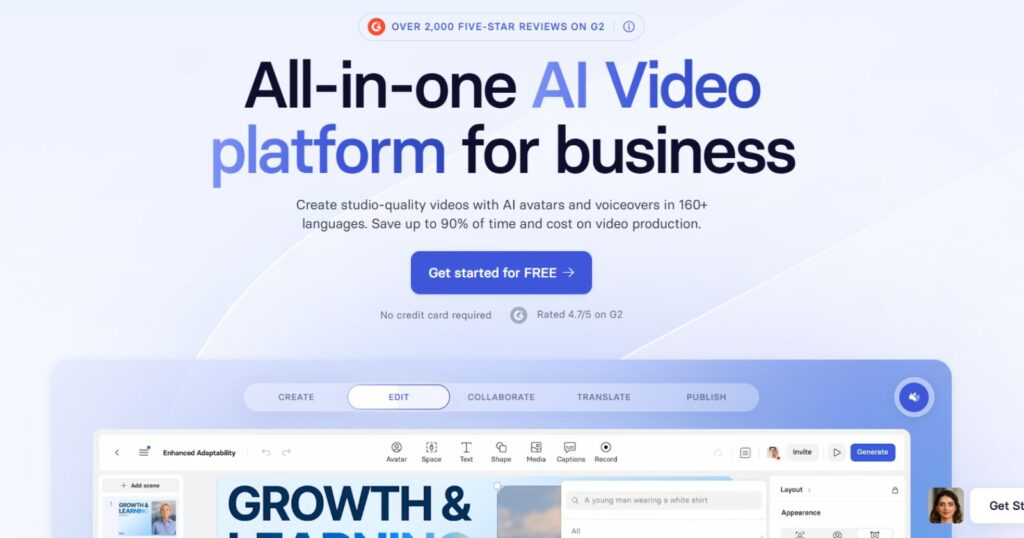
For example, a multinational company can create a single training video and translate it instantly into multiple languages, ensuring consistency across global teams. While avatars may show slight unnatural movements on large screens, their quality is often convincing enough to pass as human in smaller formats, making Synthesia a go-to for professional settings.
Colossyan: Specialized Training Videos

Colossyan focuses on educational and training content, offering AI avatars that deliver immersive, scenario-based experiences. Its GPT-4-powered script assistant helps craft polished scripts, while interactive elements like quizzes enhance viewer engagement.
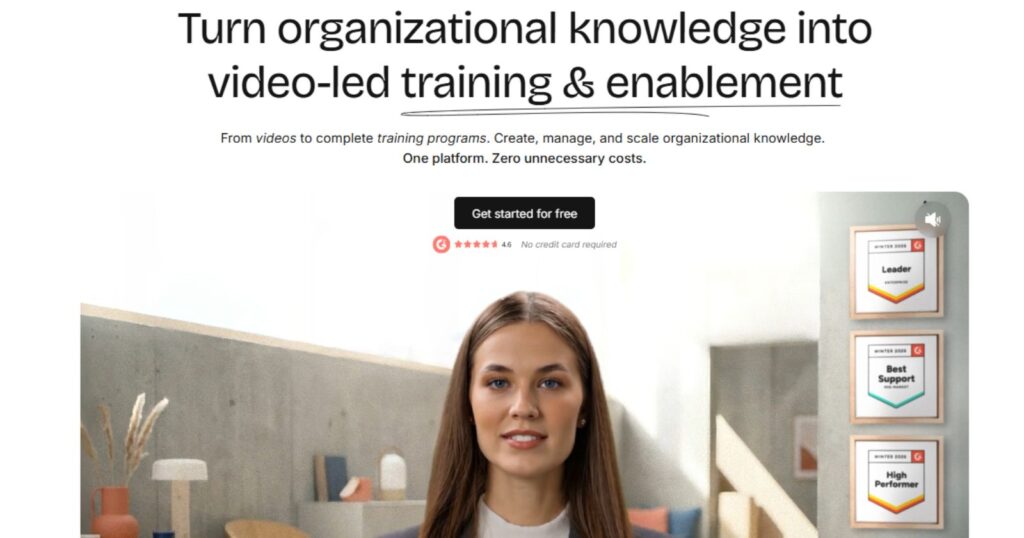
With 600+ AI voices and 80+ languages, it’s a robust choice for organizations needing scalable training solutions. Its limitation lies in its narrower focus, but for businesses prioritizing educational content, Colossyan delivers unmatched efficiency.
Descript: Edit Videos Like Text
Descript revolutionizes video editing by allowing users to edit footage by modifying its transcript. This intuitive approach eliminates the need for traditional timeline scrubbing, making it ideal for repurposing long-form content into concise clips.
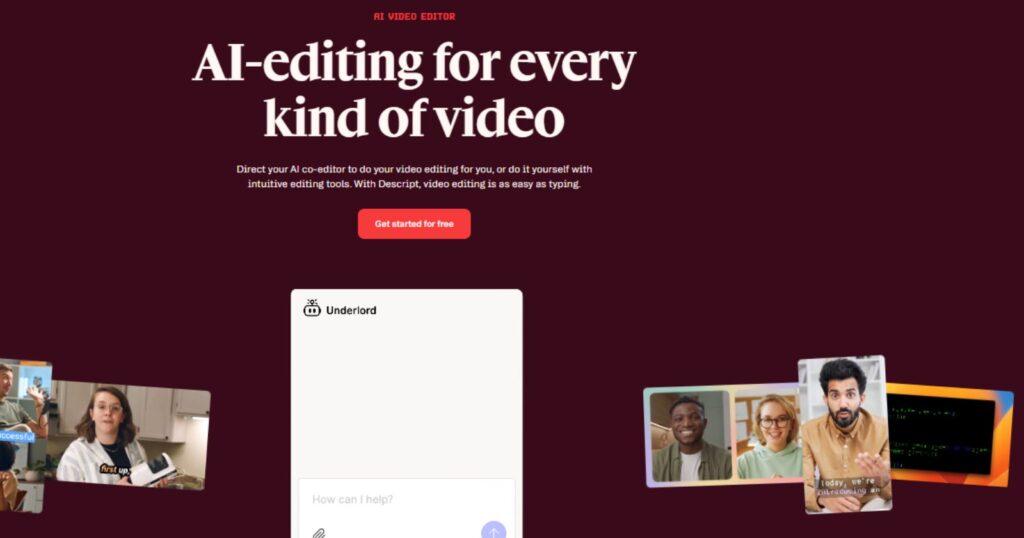
Features like auto multicam, audio cleanup, and stock library integration streamline workflows for businesses creating webinars, podcasts, or promotional videos. While occasional transcription inaccuracies can occur, Descript’s time-saving capabilities make it a favorite for content-heavy teams.
AI Tools for Creative and Cinematic Projects
For filmmakers and creative storytellers, AI video generators offer unprecedented control over visual storytelling, enabling the creation of cinematic masterpieces from simple prompts.
Runway: Creative Control at Its Finest

Runway’s Gen-4 model is a powerhouse for creative projects, offering advanced tools like Aleph for editing angles, lighting, or props within a scene. Its ability to maintain character and scene consistency across shots addresses a common AI challenge, making it a favorite among filmmakers.

The platform’s Academy provides extensive learning resources, helping users master its robust feature set. While its learning curve can be steep, Runway’s flexibility and high-quality output make it ideal for experimental and professional-grade projects.
Google Veo: Realism in Motion
Google Veo, powered by DeepMind, excels at producing visually compelling clips with realistic motion and textures. Its Flow editor simplifies the creation process, allowing users to stitch multiple clips together seamlessly.
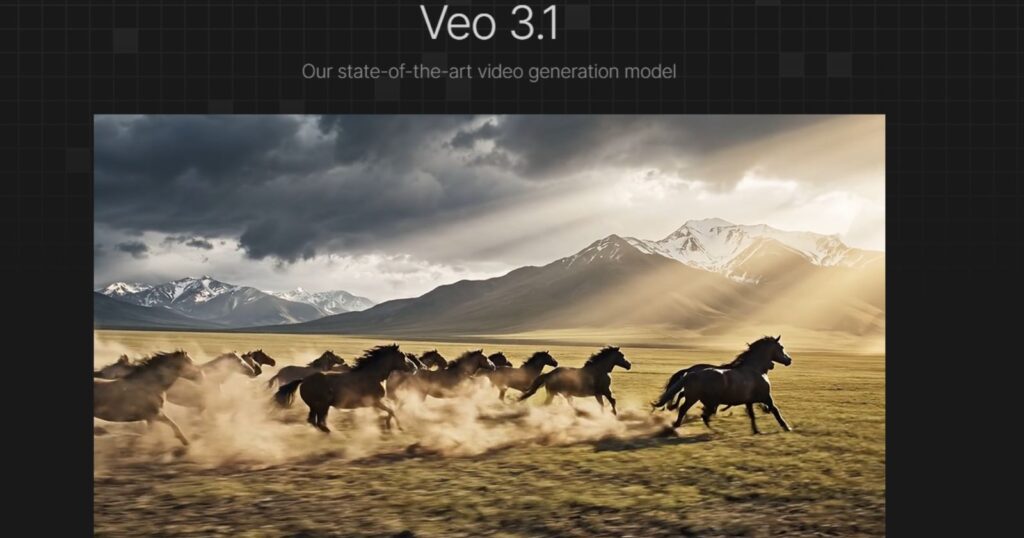
Features like native audio generation and lip-sync capabilities elevate its output, though its premium pricing and waitlist access may deter some users. For those seeking hyper-realistic visuals for cinematic or marketing purposes, Veo is a top contender.
OpenAI Sora: Community-Driven Creativity

Sora, integrated with ChatGPT, offers a unique blend of text-to-video generation and community-driven remixing. Its Storyboard feature ensures visual consistency across scenes, making it suitable for longer-form projects.
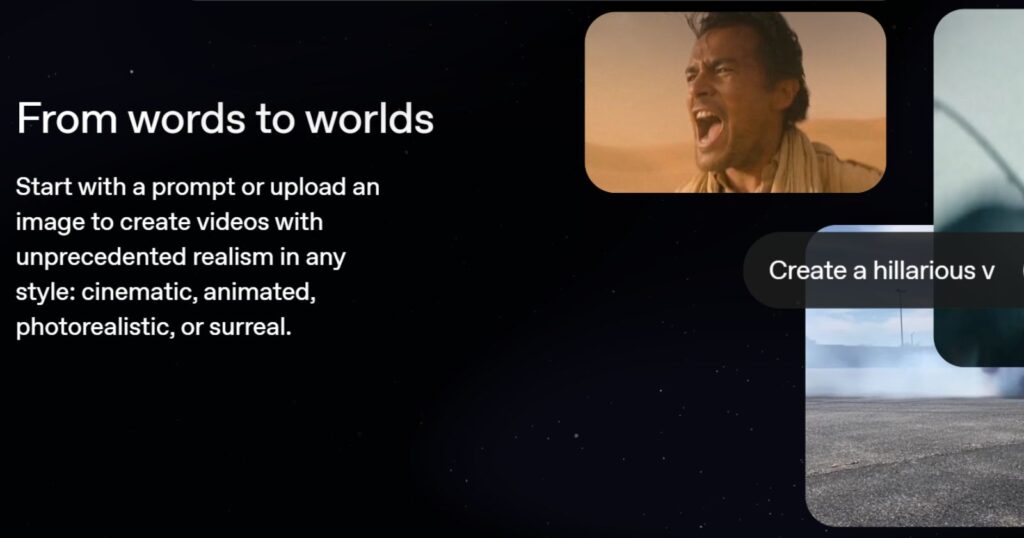
While it struggles with dynamic movements and object permanence, its dreamy, stylized output suits creative projects like animated shorts or conceptual art. The remix feature allows users to draw inspiration from others’ creations, fostering a collaborative creative environment.
Luma Dream Machine: Brainstorming Made Visual

Luma Dream Machine transforms brainstorming into a visual experience, generating videos from iterative prompts. Its Photon model creates starting images, which the Ray2 model animates into vibrant clips, particularly effective for cartoon and 3D styles.

The platform’s dynamic interface, with features like prompt suggestions and quick-add options for shot composition, makes it a creative enabler for artists seeking inspiration.
AI Tools for Social Media and Quick Content
Social media demands fast, engaging content, and these AI tools are designed to deliver viral-ready videos with minimal effort.
Fliki: Fast Text to Video with Realistic AI Voiceovers

Fliki is an AI-powered video creation tool that turns ideas, scripts, blog posts, or product messages into short, engaging social media videos. It helps users quickly create content with AI voiceovers, visuals, subtitles, and music, making it much easier for creators to produce videos without advanced editing skills.
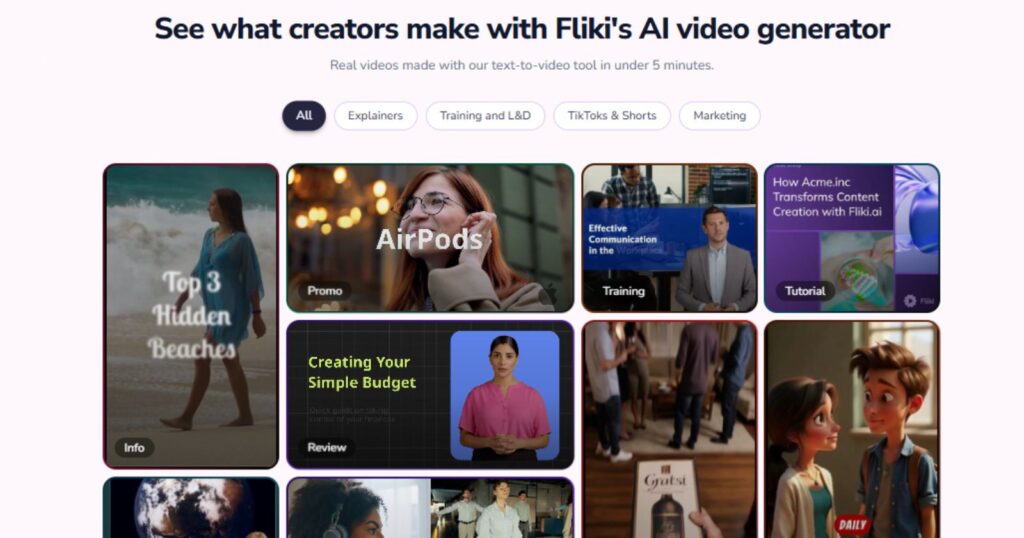
One of its strongest features is its large library of realistic AI voices in multiple languages, along with tools for repurposing written content into videos that work well for platforms like YouTube Shorts, Instagram Reels, and TikTok. Fliki is a strong option for creators, marketers, and brands that want to scale content production and publish more video content in less time.
Check out the platform now: Fliki
InVideo AI: Social Media Simplicity
InVideo AI is a go-to for social media creators, offering a text-to-video generator that assembles stock footage, voiceovers, and transitions from simple prompts. Its ability to edit videos via text commands, like adding subtitles or swapping footage, makes it highly intuitive.
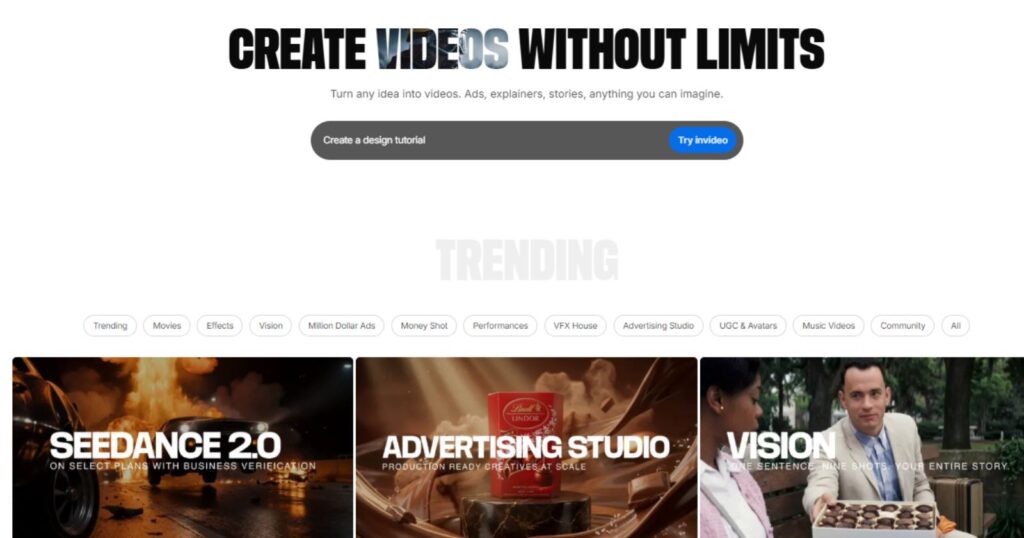
With access to a 16M+ stock media library, InVideo ensures visually rich content tailored for platforms like Instagram and TikTok. Its interface can feel cluttered, but its efficiency makes it a staple for social media marketers.
VEED.IO: Versatile and Corporate-Friendly

VEED.IO combines AI-driven editing with corporate appeal, offering tools for auto-subtitling, eye-contact correction, and multilingual voiceovers. Its reusable avatars and customizable templates make it ideal for businesses creating branded social media content or internal communications.
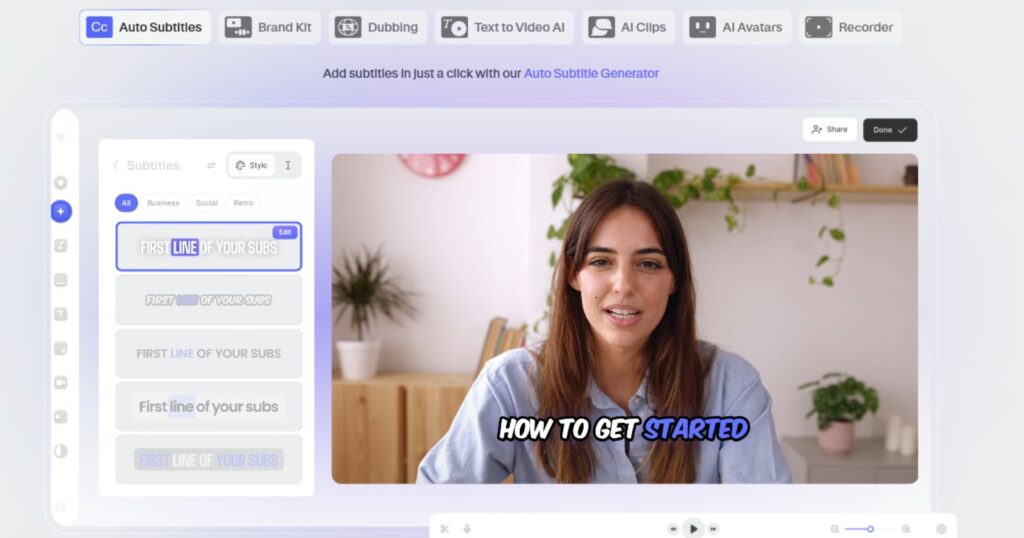
While occasional glitches in subtitle syncing may occur, VEED’s versatility and ease of use make it a strong choice for quick, professional-grade videos.
CapCut: Social Media Powerhouse

CapCut, popular among TikTok creators, offers AI-powered editing features like silence detection and motion tracking, perfect for crafting snappy, platform-ready clips. Its vast template library and music sync tools streamline the creation of viral content.
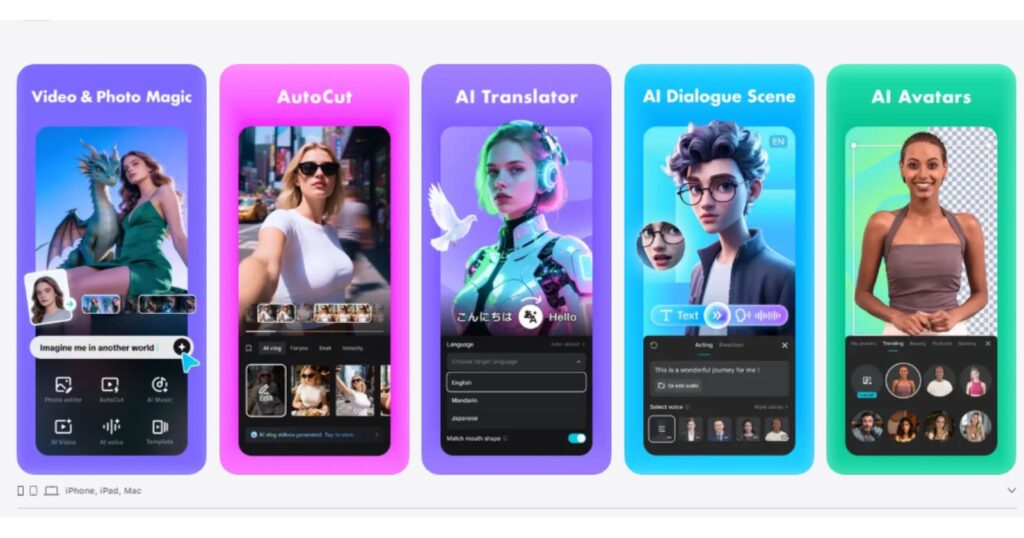
While less focused on generative AI than other apps, CapCut’s accessibility and mobile-friendly interface make it a favorite among creators on the go.
AI Video Generators Tool: Key Features Comparison
| Tool | Best For | Max Resolution | Free Plan | Key Feature | Pricing (Starting) |
|---|---|---|---|---|---|
| Fliki | Text to Video with Realistic AI Voiceovers | 1080p | Yes | Lifelike voiceovers, dynamic AI video clips, and a wide range of AI-powered features | $10/month (Basic Plan) |
| Synthesia | Corporate avatars | 1080p | Yes | Multilingual avatars, lip-sync | $18/month |
| Colossyan | Training videos | 1080p | Yes | Interactive scenarios, GPT-4 scripting | $19/month |
| Descript | Text-based editing | 1080p | Yes | Edit video via transcript | $24/month |
| Runway | Creative filmmaking | 1080p | Yes | Aleph model for advanced editing | $12/month |
| Google Veo | Realistic cinematic visuals | 4K | No | Native audio, Flow editor | $19.99/month |
| OpenAI Sora | Community-driven projects | 1080p | No | Storyboard, remixing | $20/month |
| Luma Dream Machine | Creative brainstorming | 1080p | Yes | Iterative prompt-based UI | $9.99/month |
| InVideo AI | Social media videos | 1080p | Yes | Text-to-video, stock media library | $28/month |
| VEED.IO | Corporate social media | 1080p | Yes | Auto-subtitles, reusable avatars | $12/month |
| CapCut | Quick social media clips | 1080p | Yes | AI editing, mobile-friendly | Free |
How to Choose the Right AI Video Generator
Selecting the best AI video generator depends on specific needs and goals. Businesses prioritizing professional content should focus on tools like Synthesia or VEED for their avatar-driven and corporate-friendly features.
Creative professionals seeking cinematic control will find Runway or Google Veo ideal for their advanced editing capabilities. Social media creators, meanwhile, benefit from InVideo or CapCut’s speed and platform-specific templates.
Consider factors like ease of use, output quality, and integration with existing workflows. For example, Adobe Firefly’s compatibility with Creative Cloud makes it a natural fit for Adobe users, while Zapier integrations with Synthesia and HeyGen streamline automated workflows.
Budget is also key; free plans from InVideo or VEED offer robust testing options, while premium tools like Google Veo require a higher investment for watermark-free, high-resolution output.
Ethical considerations, such as data privacy and copyright compliance, are increasingly important. Platforms like Adobe Firefly and Synthesia emphasize legally safe outputs, trained on licensed datasets, which are critical for commercial use. Testing multiple tools via free trials ensures the chosen platform aligns with creative and practical needs.
The Future of AI Video Generation
The trajectory of AI video generators points to even greater integration with creative and business workflows. Emerging trends include enhanced realism, with models tackling challenges like object permanence and dynamic motion.
Tools like Kling AI and Hailuo are pushing boundaries with filmmaker-friendly features like lip-sync and extended shot lengths. Additionally, the rise of interactive avatars, as seen in HeyGen, signals a shift toward personalized, real-time video experiences.
As AI technology advances, expect tighter integration with augmented reality (AR) and virtual reality (VR), enabling immersive storytelling. Ethical frameworks will also evolve, with platforms prioritizing transparency in AI training data to address copyright and bias concerns. For creators and businesses, staying ahead means embracing these tools while adapting to their evolving capabilities.
Closing Thoughts
The landscape of AI video generators in 2026 is a testament to the power of technology to transform creativity and communication. These tools have redefined what’s possible, enabling anyone, from solo creators to global enterprises, to produce high-quality videos with unprecedented ease.
Whether it’s crafting a corporate training video with Synthesia’s lifelike avatars, experimenting with Runway’s cinematic controls, or churning out viral TikTok clips with CapCut, the right AI video generator can elevate content to new heights.
The beauty of these platforms lies in their accessibility and versatility. They empower creators to focus on storytelling and strategy rather than technical hurdles, while businesses can scale their video output without breaking the bank.
As the technology continues to evolve, it’s an exciting time to explore the possibilities, experiment with different tools, and find the perfect fit for specific goals. The future of video creation is here, and it’s brimming with potential for those ready to harness it.
FAQs
What is an AI video generator?
An AI video generator uses artificial intelligence to create or edit videos from text prompts, images, or existing footage, automating tasks like script-to-video conversion, audio enhancement, and visual effects.
How do AI video generators work?
These tools leverage machine learning models to interpret text or visual inputs, generating videos by combining stock media, AI-rendered visuals, voiceovers, and transitions, often with customizable editing options.
Which AI video generator is best for beginners?
InVideo and VEED.IO are ideal for beginners due to their intuitive interfaces, extensive template libraries, and text-based editing features that simplify the creation process.
Can AI video generators create realistic human avatars?
Yes, platforms like Synthesia and HeyGen produce lifelike AI avatars with natural lip-sync and multilingual voiceovers, though subtle unnatural movements may be noticeable on larger screens.
Are AI-generated videos safe for commercial use?
Tools like Adobe Firefly and Synthesia are trained on licensed datasets, ensuring commercially safe outputs. Always verify the platform’s terms for copyright compliance.
What is the best AI video generator for social media?
InVideo and CapCut excel for social media, offering quick text-to-video generation, platform-specific templates, and features like auto-subtitles and music sync.
How do free plans compare to paid plans?
Free plans, like those from InVideo or VEED, often include watermarks and limited features. Paid plans unlock higher resolutions, more credits, and advanced tools like custom avatars or API access.
Can AI video generators integrate with other tools?
Yes, platforms like Synthesia, HeyGen, and Runway integrate with Zapier, enabling automated workflows with apps like Google Sheets, Slack, or CRMs for streamlined content creation.
What are the limitations of AI video generators?
Common limitations include occasional inaccuracies in object permanence, dynamic motion, or transcription. High-end tools like Runway and Google Veo are improving these aspects.
How can creators ensure ethical use of AI video tools?
Choose platforms like Adobe Firefly or Synthesia that prioritize legally sourced training data. Review usage terms and ensure transparency in how AI-generated content is presented to audiences.