The average professional sits through 23 hours of meetings per week, according to a 2025 Microsoft Work Trend Index report. Yet studies show that 71% of those meetings are considered unproductive by participants. The problem is rarely the meeting itself; it is what happens afterward. Notes are incomplete, action items get lost, and key decisions evaporate within 48 hours. AI meeting summarizers exist to solve exactly this problem.
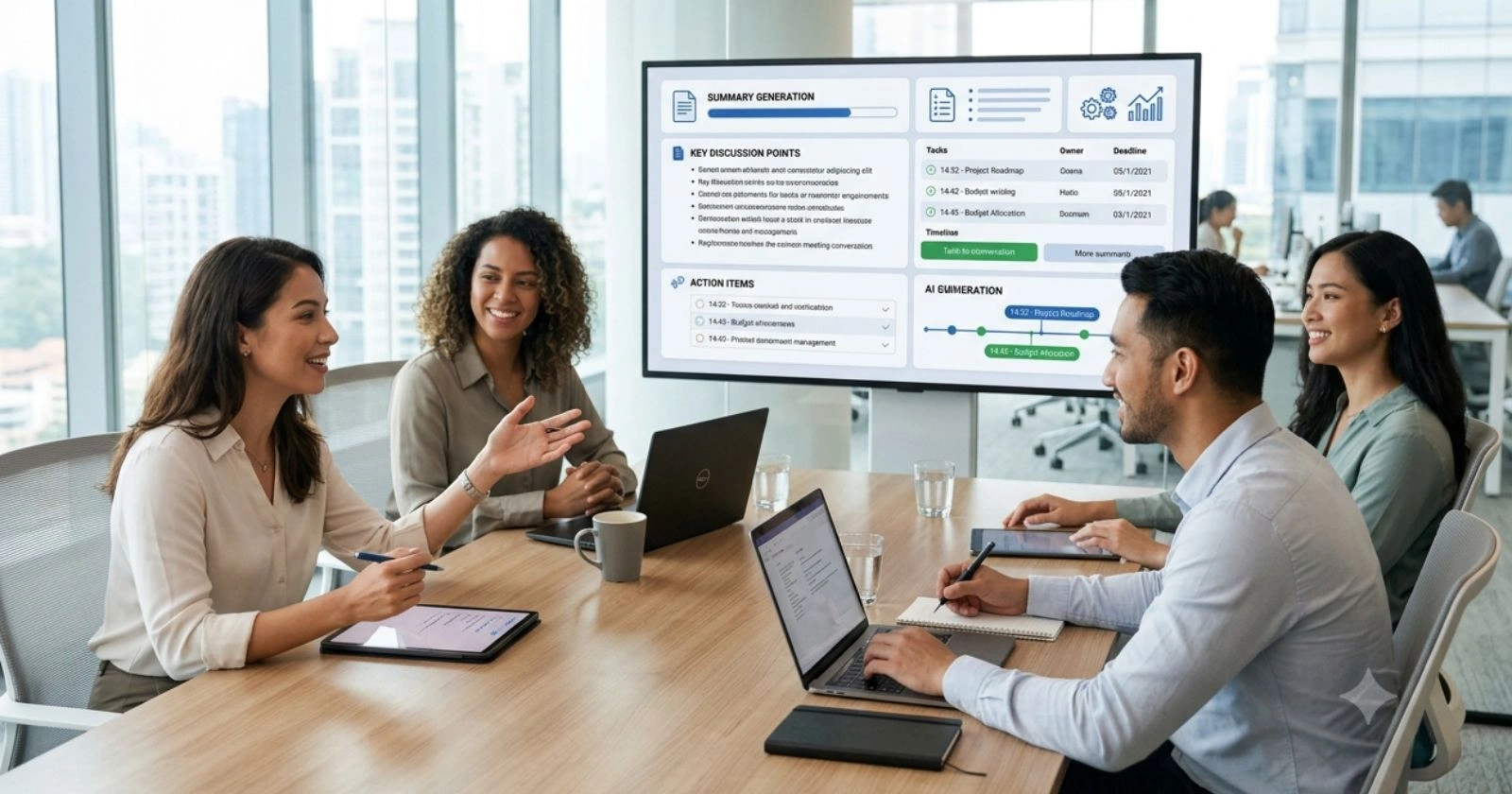
The best AI meeting summarizers in 2026 do far more than transcribe audio. They identify speakers, extract action items, highlight key decisions, and deliver structured summaries within minutes of a call ending. The primary focus of this guide is helping readers identify which tools actually capture what matters, not just what was said.
This review covers the leading AI meeting summarizers available in 2026, evaluates their accuracy and feature depth, and helps teams and individuals find the right solution for their specific needs.
How AI Meeting Summarizers Work
Modern AI meeting summarizers use a combination of automatic speech recognition (ASR), large language models (LLMs), and natural language processing (NLP) to process meeting recordings and transcripts.
The pipeline works in three stages. First, the tool captures audio either by joining the meeting as a bot participant or by processing a recording after the fact. Second, the audio is converted to a transcript with speaker diarization, meaning it identifies who said what. Third, the LLM analyzes the transcript to extract summary sections, decisions, and action items.
The quality of the final summary depends on transcription accuracy, the model’s ability to understand context, and the tool’s ability to distinguish filler conversation from meaningful content.
Top AI Meeting Summarizers in 2026
Otter.ai: The Veteran with Depth

Otter.ai remains one of the most established AI note-taking tools. It joins Zoom, Google Meet, and Microsoft Teams meetings automatically and delivers real-time transcription with speaker identification. Its AI channels capability allows teams to share summaries across Slack or email instantly.
The tool’s summary quality is strong for structured meetings with clear agendas. It identifies action items with reasonable accuracy and flags questions raised during the call. Otter.ai’s collaboration features allow team members to highlight, comment, and assign tasks directly within the transcript.
Best for: Teams that need real-time transcription and post-meeting collaboration tools.
Pricing: Free tier available; paid plans from $16.99/month.
Fireflies.ai: The Integrations Champion

Fireflies.ai stands out for the breadth of its integrations. It connects with more than 50 platforms, including Salesforce, HubSpot, Notion, Asana, and Slack. For sales teams and customer success managers who need meeting insights pushed directly into CRM records, Fireflies is the strongest option.
Its AI search capability allows users to search across all past meetings using natural language. Asking “What did the client say about the budget in last quarter’s calls?” returns relevant clips and summaries instantly. This feature is particularly powerful for account management teams.
Best for: Sales and customer success teams that need CRM integration and searchable meeting archives.
Pricing: Free tier available; paid plans from $18/month.
Fathom: The Best Free Option

Fathom has earned a strong reputation as the best free AI meeting summarizer for individuals. It records and summarizes Zoom, Google Meet, and Teams calls and delivers clean, structured summaries that include key decisions and follow-up actions.
The free version is genuinely competitive with paid tools from other providers. Its summaries are notably concise and focused on actionable content rather than raw transcription. For freelancers, solopreneurs, and small teams on tight budgets, Fathom delivers outsized value.
Best for: Individuals and small teams seeking a high-quality free solution.
Pricing: Free for individuals; team plans from $19/user/month.
Notion AI Meetings: The All-in-One Workspace Integration

For teams already working in Notion, the platform’s native AI meeting summary feature removes the need for a separate tool. Users paste a transcript or record directly within Notion, and the AI generates a structured summary formatted to fit directly into project pages, wikis, or team databases.
This integration creates a seamless workflow where meeting outputs flow directly into project documentation without copy-paste overhead. It lacks the real-time joining capability of dedicated tools but excels in post-processing and documentation depth.
Best for: Teams using Notion as their primary knowledge base.
Pricing: Included with Notion AI plan at $10/user/month.
tl;dv: The Video-First Summarizer
tl;dv focuses on video meeting recordings and offers timestamped highlights that link directly back to the moment in the video when something important was said. Rather than just reading a summary, users can click any highlight and watch the exact 30 seconds of discussion that produced it.
This is especially valuable for product teams, user research sessions, and any context where hearing tone and nuance matter alongside the content. Its multilingual support across 30 languages also makes it strong for global teams.
Best for: Product teams, researchers, and global teams that need video-linked highlights.
Pricing: Free tier available; paid plans from $20/month.
What Separates Good Summaries from Great Ones
Not all AI meeting summarizers deliver equal quality. The gap between a good tool and a great one comes down to three factors.
Contextual Understanding vs. Keyword Extraction
Weaker tools identify importance by frequency, repeating what was said most often. Stronger tools understand context. They recognize that a brief mention of a deadline carries more weight than ten minutes discussing a topic tangentially. Fireflies.ai and Fathom are particularly strong in this area.
Action Item Accuracy
Action item extraction is where many tools fall short. Phrases like “we should probably look into that” are different from “John will deliver the proposal by Friday.” The best tools distinguish committed action items from speculative discussion. Before committing to a tool, test it against recordings that include both types of statements.
Speaker Attribution Quality
Meetings with multiple participants only become useful summaries when speaker attribution is accurate. Otter.ai and Fireflies.ai lead in this area, especially in larger group calls. Tools that blur attribution make it harder to assign follow-up responsibility.
Those interested in the broader context of AI note-taking tools should read the dedicated review of the best AI note takers for a category-level analysis. Teams evaluating AI tools to reduce meeting overhead should also look at no-code AI workflow automation platforms, which often include meeting workflow automation components that complement summarizers.
Comparison Table: AI Meeting Summarizers 2026
| Tool | Best For | Free Tier | Starting Price |
|---|---|---|---|
| Otter.ai | Real-time teams | Yes | $16.99/month |
| Fireflies.ai | Sales/CRM teams | Yes | $18/month |
| Fathom | Individuals | Yes (fully featured) | Free |
| Notion AI | Notion-based teams | No | $10/user/month |
| tl;dv | Video-first teams | Yes | $20/month |
Privacy Considerations for AI Meeting Summarizers
Meeting data is sensitive. Discussions often include unreleased product plans, client information, financial data, and personnel matters. Before deploying any AI meeting summarizer, teams should verify the following.
Data retention policies matter greatly. Some tools store recordings and transcripts on their servers indefinitely unless deleted. Others offer automatic deletion after a set period. For organizations subject to GDPR or HIPAA, this distinction is critical.
Consent requirements also vary by jurisdiction. In many US states and most European countries, all meeting participants must consent to recording. Most modern summarizer tools prompt for consent at the start of calls, but verifying compliance with local regulations remains the organization’s responsibility.
Understanding AI data privacy considerations broadly is essential for any team deploying AI tools that process conversational data. For organizations in regulated industries, the guide on top AI tools companies in data security and privacy provides additional context on vendors with strong compliance track records.
The Future of AI Meeting Summarization
The next evolution in AI meeting summarizers will involve real-time coaching. Tools will begin suggesting when a meeting is going off-track, when decisions are being made without full team input, and when a meeting could have been an email. Several platforms have begun building these advisory features into their roadmaps.
Integration with agentic AI workflows is also emerging. Rather than simply delivering a summary, future tools will automatically create tasks in project management platforms, draft follow-up emails, and schedule the next meeting, all without prompting. This shift from passive documentation to active workflow management represents the next significant leap in the category.
FAQ
Q: What is the best free AI meeting summarizer in 2026?
A: Fathom is widely considered the best free AI meeting summarizer for individuals. Its free plan includes unlimited recordings and high-quality summaries with action item extraction. It works with Zoom, Google Meet, and Microsoft Teams.
Q: Do AI meeting summarizers work with all video conferencing platforms?
A: Most major tools support Zoom, Google Meet, and Microsoft Teams. Support for Webex, Loom, and other platforms varies by tool. Fireflies.ai has the broadest platform coverage among current options.
Q: How accurate are AI meeting summaries?
A: Accuracy depends on audio quality and meeting structure. In clear audio conditions with distinct speakers, leading tools achieve transcription accuracy above 90%. Summary quality varies more; tools like Fathom and Fireflies.ai tend to produce cleaner, more structured summaries than cheaper alternatives.
Q: Can AI meeting summarizers identify action items reliably?
A: Leading tools do well with clearly stated action items. They struggle more with implied commitments and vague language. Testing a tool against real meeting recordings before committing is the most reliable way to evaluate action item quality.
Q: Is it legal to record and summarize meetings with AI?
A: Legality depends on jurisdiction and participant consent. Most countries and US states require all-party consent for recorded conversations. AI meeting tools typically prompt participants for consent at the start of calls. Organizations should verify compliance with applicable regulations independently.
Q: How do AI meeting summarizers handle multiple languages?
A: tl;dv supports over 30 languages and is the strongest multilingual option. Otter.ai and Fireflies.ai support multiple languages but are optimized for English. Teams with multilingual participants should test their specific language combinations before selecting a tool.
Q: Can AI summarizers integrate with CRM systems?
A: Fireflies.ai offers the deepest CRM integration, connecting with Salesforce, HubSpot, Pipedrive, and others. Otter.ai also offers CRM integrations on higher-tier plans. For sales teams, CRM integration is a primary selection criterion.
Q: How long does it take for an AI tool to generate a meeting summary?
A: Most tools deliver summaries within two to five minutes of the meeting’s end for calls under one hour. Longer recordings may take up to 15 minutes. Real-time tools like Otter.ai begin generating summaries during the meeting itself.
Q: Do participants need to install software to use AI meeting summarizers?
A: Meeting hosts do not require participants to install anything. The AI bot joins as a participant. However, some tools require the host to have the app installed or integrated with their calendar. Bot-based tools like Fireflies.ai and Fathom require no participant-side software.
Q: Are AI meeting summaries searchable across past meetings?
A: Fireflies.ai offers the strongest search capability, allowing natural language queries across entire meeting archives. Otter.ai also provides a search across transcripts. This feature becomes more valuable over time as the archive of past meetings grows.